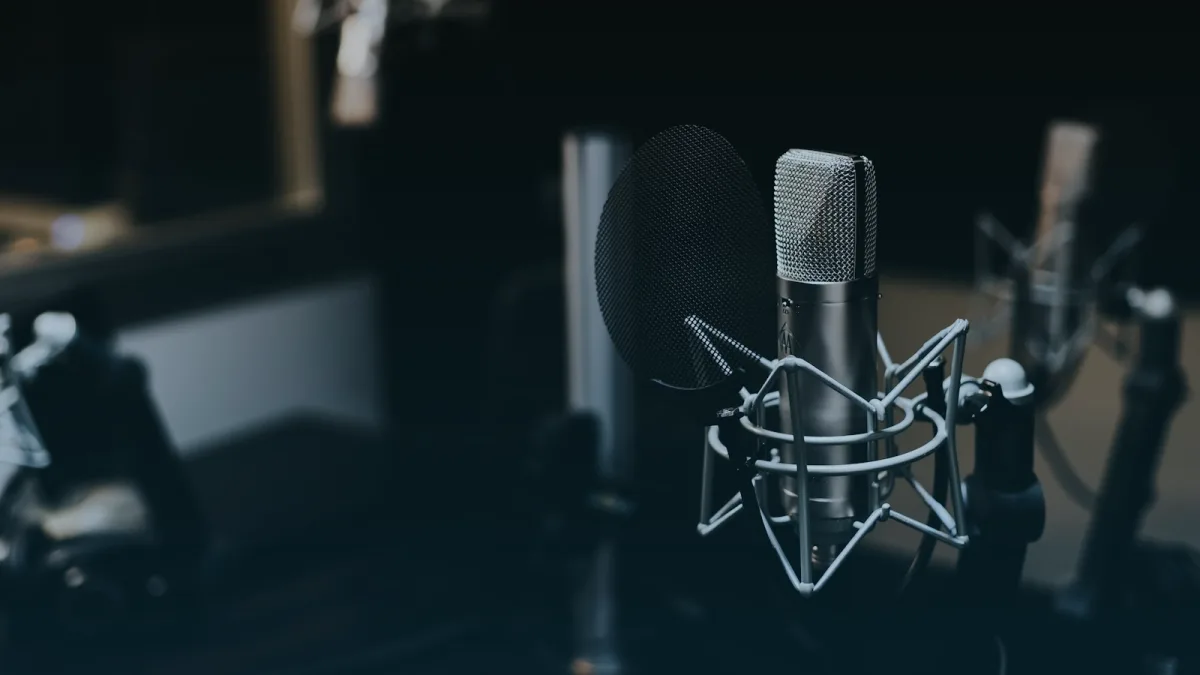
Long talks and interviews are ideal for audio. The picture rarely changes, the content is spoken, and the file stays small enough to carry easily. Converted well, they turn a commute or a walk into productive listening time.
Why audio suits spoken word
For a talking-head video, the image adds little — the same call you make when choosing MP3 or MP4 for learning videos. Stripping it to MP3 slashes the file size, extends how many hours fit on your device, and lets you listen while your hands are busy.
A sensible bitrate for talk
Speech needs far less data than music. A 128 kbps MP3 is perfectly clear for a voice recording, so there is little reason to use 320 kbps and pay for a bigger file. Reserve the higher setting for music.
Expect the raw recording
A converter copies the audio as it is, so intro music, sponsor segments, and pauses all come along. It does not trim or edit. If you want a cleaner listen, note the timestamps and skip them in your player.
Listening apps
Any player that supports MP3 will handle these files, and many let you set bookmarks or resume position. On a phone, that makes it easy to pause a long talk and pick it up later exactly where you left off.
Respect the creator
Keep talk downloads for your own listening. Do not re-upload an episode or cut it into clips for sharing. If you enjoy someone's work, following or supporting them is the right way to say thanks.
